Paw Portraits™ | Personalised Photo Blanket for Dog Families
Turn your favourite dog moments into something you can snuggle every day. This ultra-soft personalised dog blanket is the perfect mix of cosy comfort and eye-catching design — ideal for sofa cuddles, chilly evenings, and heartfelt gifts for dog lovers.
Printed in bright, long-lasting colours on silky-soft fabric, it’s warm, lightweight, and made to be loved by both humans and paws.
Please note:
Colours may appear slightly different in person due to screen settings and lighting conditions.
- Fully Customisable
- Moisture absorbent
- Machine-washable
Couldn't load pickup availability

Product Description
Throw Blanket
Turn your favourite moments into something you can hug, gift, and cherish every day. Our personalised throw blanket is printed in vibrant, long-lasting colours on ultra-soft silk-touch fabric. Perfect for cosy afternoons, meaningful gifts, and stylish home accents.
Details:
- 100% polyester
- Soft silk-touch fabric
- One-sided high-quality print
- White reverse side
- Machine-washable
- Hypoallergenic & flame-retardant
Available sizes:
- 76.2 × 101.6 cm
- 127 × 152.4 cm
- 152.4 × 203.2 cm
Please note:
The blanket is pressed during printing. For the best feel and shape, wash before first use.
Customisation
Step By Step Guide
Welcome to the Customisation Process!
1. Choose Your Design
Pick your base design (background)
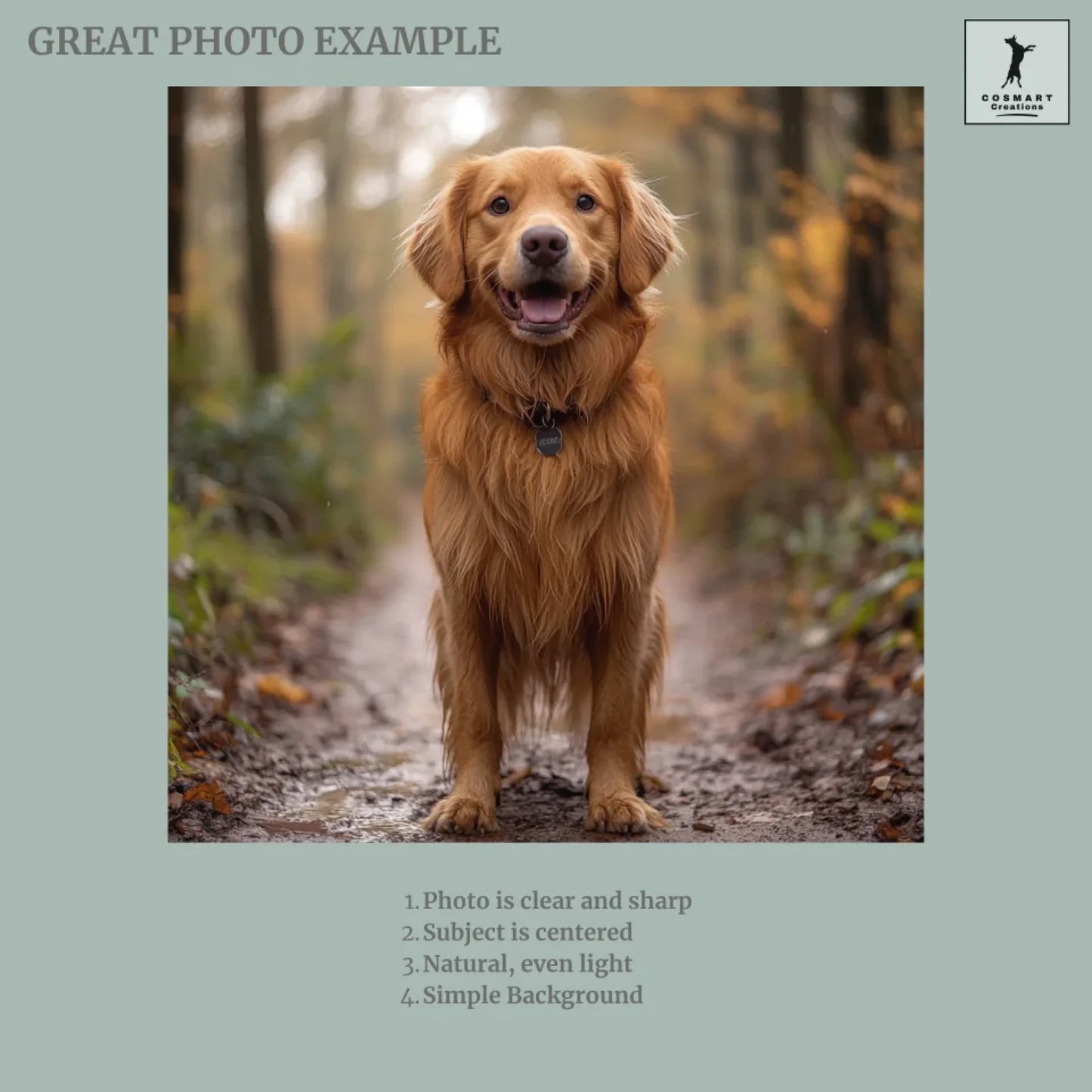
2. Upload Your Picture
Click "CHOOSE AN IMAGE" to upload your photo.
3. Adjust Your Photo
Use the buttons below the preview to:
- Zoom: Frame your pet perfectly.
- Rotate: Align the image if needed.
- Move: Position the photo by dragging it
left, right, up, or down.
Once satisfied, click “save” to remove the background automatically. To change the photo, click "CHOOSE ANOTHER PICTURE."
(For mobile users, click "PREVIEW" first to access adjustment
buttons.)
4. Use Standard English Characters
Use only standard letters (A–Z) and avoid special symbols for the best results.
5. Optional Features
Toggle optional elements (e.g., backgrounds or accessories) on or off as desired.
6. Review Each Option
Check all selections carefully—optional features can enhance your design.
7. Preview Your Masterpiece
Click "Preview" to view your final creation.